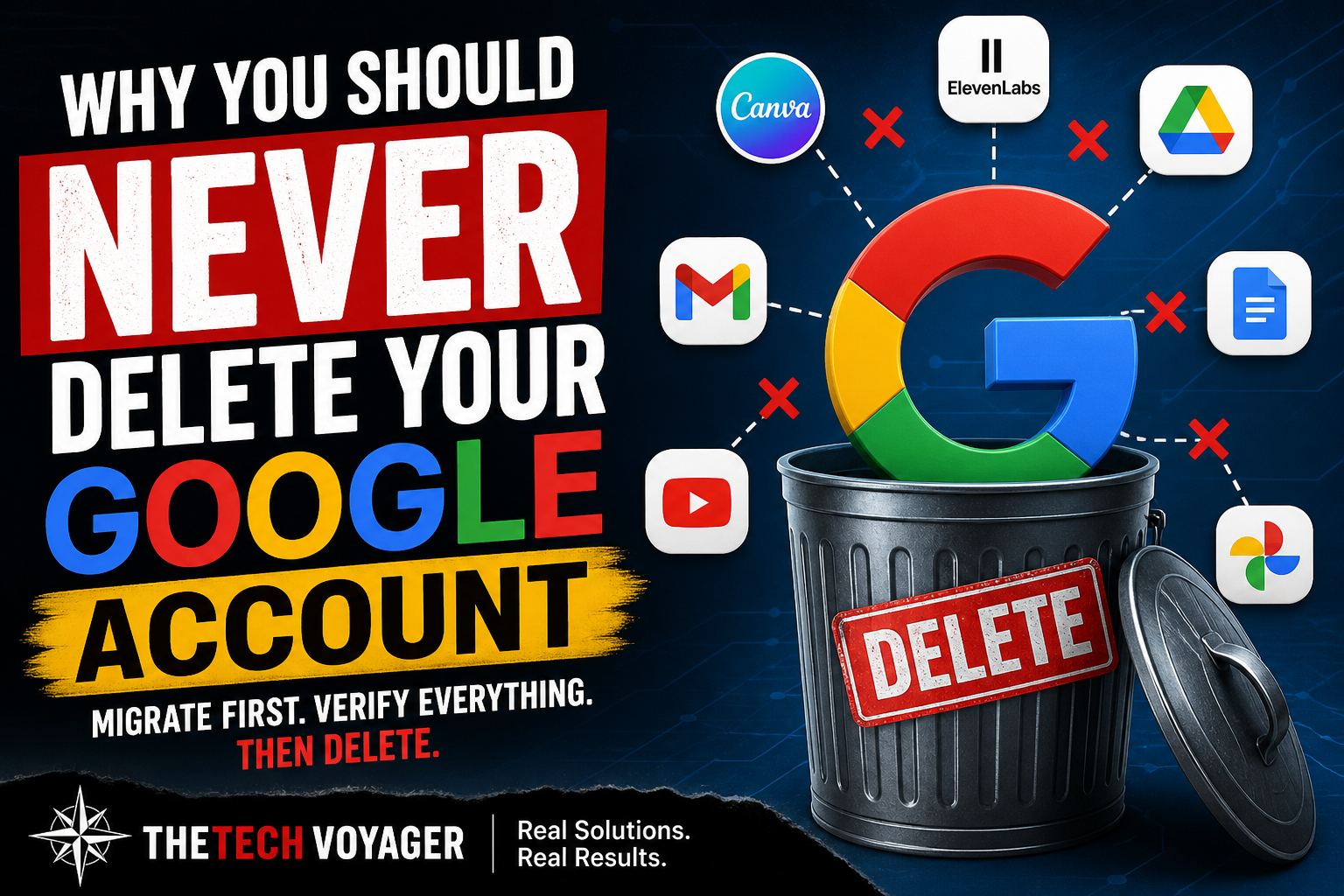
BLUF: Do not delete your Google account if it’s tied to other platforms. Set up a new account, migrate everything first, verify access, and only then consider deleting the old one. Skipping this order can force you to rebuild accounts, content, and workflows from scratch.
Deleting a Google account seems like a clean reset—especially during a rebrand or when starting over. In practice, it often creates a chain reaction of broken logins, lost access, and disconnected services.
For anyone managing a website, YouTube channel, or digital tools, that one decision can quickly turn into hours—or days—of recovery work.
What Most People Don’t Realize
“Sign in with Google” isn’t just a convenience feature. In many cases, it becomes the primary identity for the account.
Platforms like Canva often bind your account directly to your Google login—not just your email address.
Once that Google account is deleted, the connection is broken. Recreating the same email later does not restore access to those accounts.
What Actually Breaks
- Third-party logins stop working immediately
- Saved sessions and authentication tokens are invalidated
- Access to tools and content is lost
- Accounts may become unrecoverable
- You may need to recreate channels, projects, or entire workflows
This is where a simple cleanup turns into a full rebuild.
The Right Way to Do It (Step-by-Step)
- Create your new Google account first
- Set up all new services using the new account
- Log into existing platforms and add email/password logins where possible
- Transfer ownership of channels, assets, and accounts
- Export important data (designs, files, audio, etc.)
- Test everything using the new account
Only after everything is fully confirmed should the old account be removed.
Why This Hits Hard During Rebranding
Rebranding usually involves creating new emails, new domains, and new accounts. That’s exactly when people are most tempted to delete the old Google account too early.
The problem is that many systems are still tied to it behind the scenes—especially automation tools, analytics, and content platforms.
- YouTube channels
- Analytics and Search Console
- AdSense
- AI tools and SaaS platforms
- Content creation workflows
Removing the foundation before migrating dependencies creates unnecessary downtime and rework.
Lessons Learned
A Google account isn’t just an email—it’s a central identity layer across your entire digital ecosystem.
Treat it like infrastructure, not something you can delete and recreate without consequences.
The correct order is simple:
- Build the new environment
- Migrate everything
- Verify access
- Then delete
What Comes Next
If you’re already dealing with the fallout, the next steps usually involve account recovery attempts, exporting content from platforms that still allow access, and rebuilding connections manually.
Those scenarios deserve deeper walkthroughs—especially for recovering accounts or exporting data from tools like Canva.