
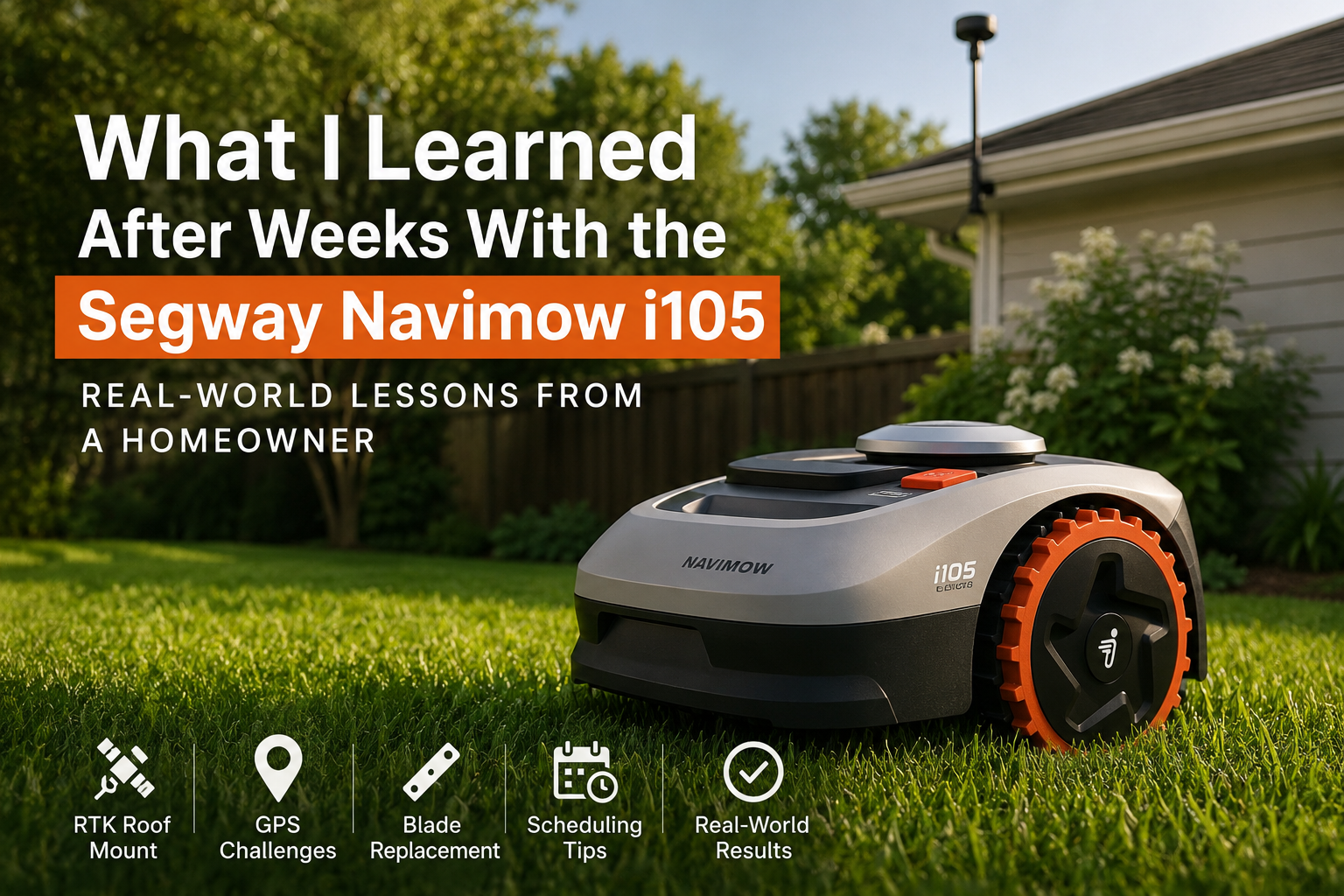
BLUF: My Navimow robot mower is still one of the best tech purchases I’ve made, but after living with it for several weeks, I learned that RTK placement, GPS patience, blade maintenance, and a realistic mowing schedule matter far more than the marketing videos make it seem.
This is a follow-up to my original post, How a Robot Mower Gave Me My Time Back. That article was about why I bought the mower and how much time it gave back to me. This one is different. This is the real-world ownership journal: the small problems, the lessons learned, and the stuff I wish I had known earlier.
The RTK Roof Mount Upgrade Was Worth It — But Not Effortless
One of the first upgrades I made was moving the RTK antenna to a roof-mounted setup. I wanted a cleaner install, better placement, and less hardware sitting out in the yard. From a homeowner perspective, it just looked better and made more sense long-term.
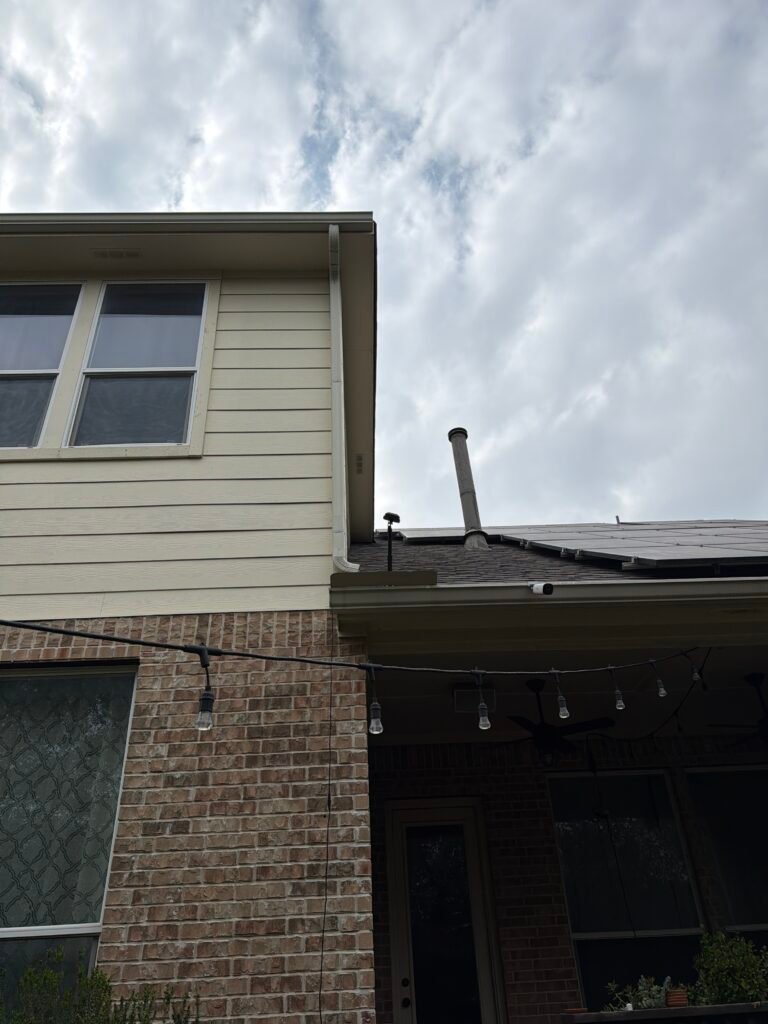
But here is the real lesson: if you move the RTK, expect some pain afterward.
Once I moved mine, I had to deal with GPS stabilization, remapping, and waiting before the mower behaved normally again. This is where patience matters. Do not move the RTK, immediately start remapping, and expect everything to work perfectly right away.
Real-world tip: Put the RTK in the best possible location the first time. If you move it later, give the system a couple of hours to settle before you start deleting maps or remapping zones.
GPS Frustrations Are Part of the Deal
The mower works well, but GPS-based mowing is not magic. I ran into weak GPS warnings, confusing app messages, and moments where the mower seemed like it had forgotten what it was supposed to do.
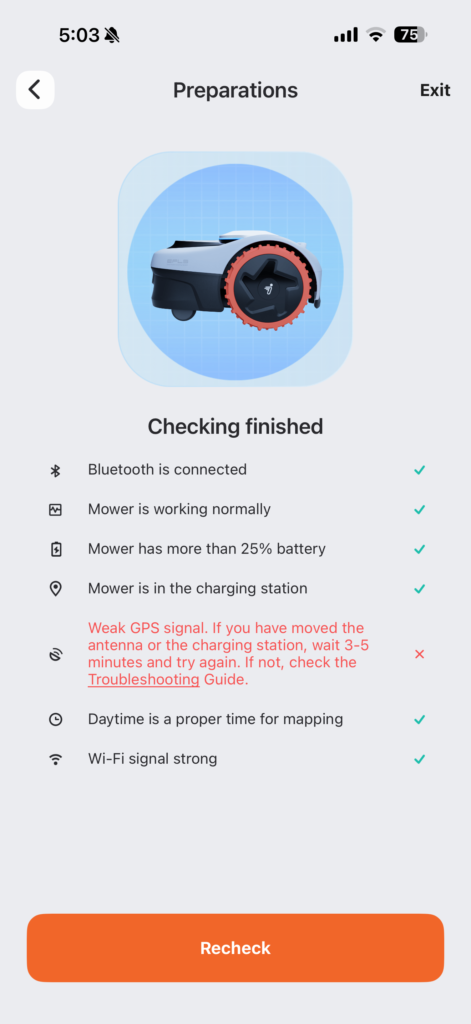
Cloudy days, RTK movement, and signal issues can all make the system feel more fragile than expected. The danger is overreacting too quickly. I learned that sometimes the best move is to stop touching settings, give it time, and let the system re-establish itself.
I also learned the hard way that deleting maps or remapping too soon can create more work than necessary. The app may make it feel like you need to fix something immediately, but sometimes the mower just needs better signal conditions and time.
For context, my current mapped lawn size is roughly 5,000 square feet. That ended up being large enough to expose some of the GPS quirks and scheduling issues that probably would not show up in a tiny test yard.
Blade Replacement Around 80 Hours
The first blade replacement happened around the time the app suggested it. I was skeptical at first, but the timer ended up being fairly accurate.
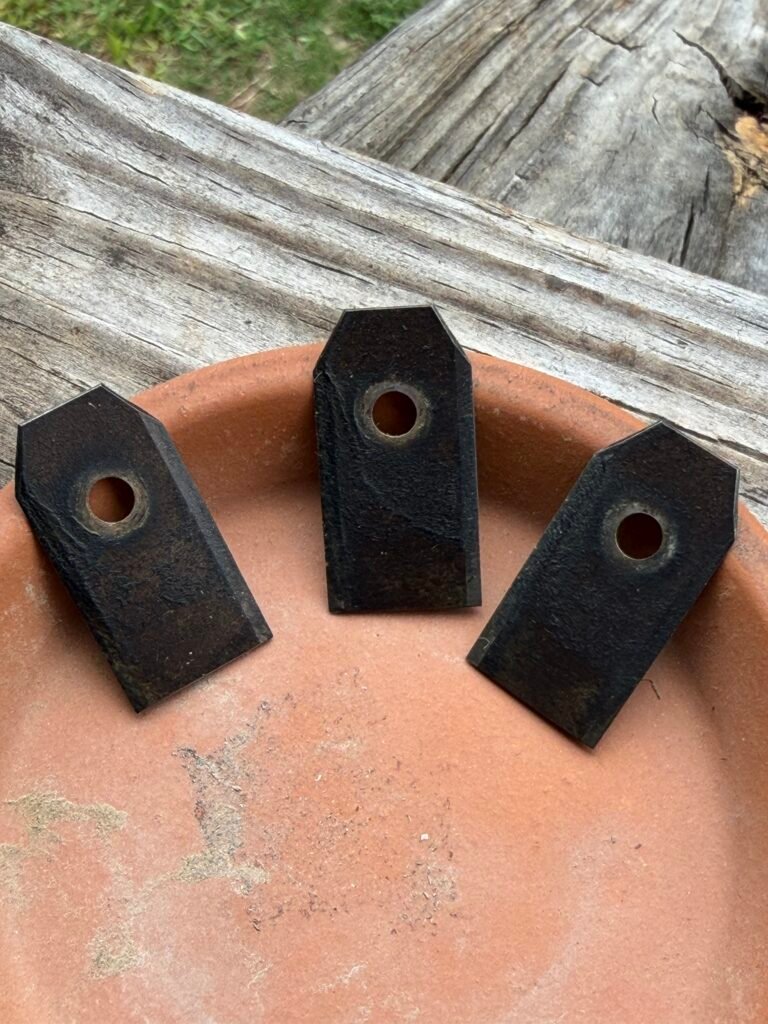
The blades were not destroyed, but they were clearly dull and evenly worn. That told me the mower was doing its job consistently. I also suspect sprinkler heads and small yard obstacles contributed to slightly faster blade wear.
Replacing the blades was not difficult, but it is one of those maintenance items you should expect with a robot mower. It is not a “set it and forget it forever” device. It is more like a small outdoor robot that needs occasional attention.
Real-world tip: Keep extra blades on hand. When the mower tells you it is time, it probably is not guessing.
Simplifying the Mowing Schedule Made Everything Better
At first, I treated the mower like it needed to run constantly. That was unnecessary.
After experimenting with the schedule, I found that mowing every day was overkill. For my yard, a more realistic schedule is closer to a couple of times per week per zone. That keeps the grass maintained without making the mower work harder than it needs to.
The biggest improvement came from simplifying the zones and separating gate areas by day. Instead of forcing the mower into a complicated routine, I made the schedule easier to understand and easier to manage.
- Daily mowing was unnecessary.
- Two times per week per zone was more realistic.
- Separate gate zones made scheduling easier.
- Disabling unnecessary mowing cycles reduced confusion.
The Stuff Nobody Tells You About Robot Mowers
The biggest thing I have learned is that robot mowers are not really about being lazy. They are about moving lawn care from physical labor to system management.
You still have to think. You still have to adjust. You still have to learn how your yard, signal, mower, and schedule all work together.
But once the system is dialed in, the payoff is real. I am not spending my weekend pushing a mower in the heat. I am checking the app, making small adjustments, and letting the mower handle the repetitive work.
Final Verdict After Real-World Use
Even with the GPS frustrations, RTK relocation headaches, blade replacement, and scheduling adjustments, I would still buy this mower again.
The difference is that now I understand it better. A robot mower is not perfect out of the box. It becomes good after you learn how to manage it.
That is the real lesson after several weeks with the Navimow: the mower can absolutely give you your time back, but the setup matters, the RTK location matters, and patience matters more than expected.
If you want the bigger-picture story of why I bought it in the first place, read the original post here: How a Robot Mower Gave Me My Time Back.