The Email Setup Rabbit Hole
When you own a domain, custom email feels like something you are supposed to set up immediately.
You buy the domain, build the website, and then suddenly you start thinking about addresses like:
- hello@yourdomain.com
- contact@yourdomain.com
- support@yourdomain.com
- admin@yourdomain.com
- info@yourdomain.com
That is where the problem starts.
Each one of those addresses sounds useful in theory, but every mailbox or alias you create becomes another thing to manage, secure, monitor, and remember later.
The Better Question
The real question is not:
“Can I create custom domain email?”
The better question is:
“Do I actually need this yet?”
For a personal website, small project, blog, or technical journal, the answer may be no.
Or more accurately: you may only need one clean public contact address.
My Current Options
I already had a couple of choices available.
I use Proton Mail and trust it from a privacy standpoint. Proton has earned that trust over time. It feels like the better long-term option when privacy, control, and account separation matter.
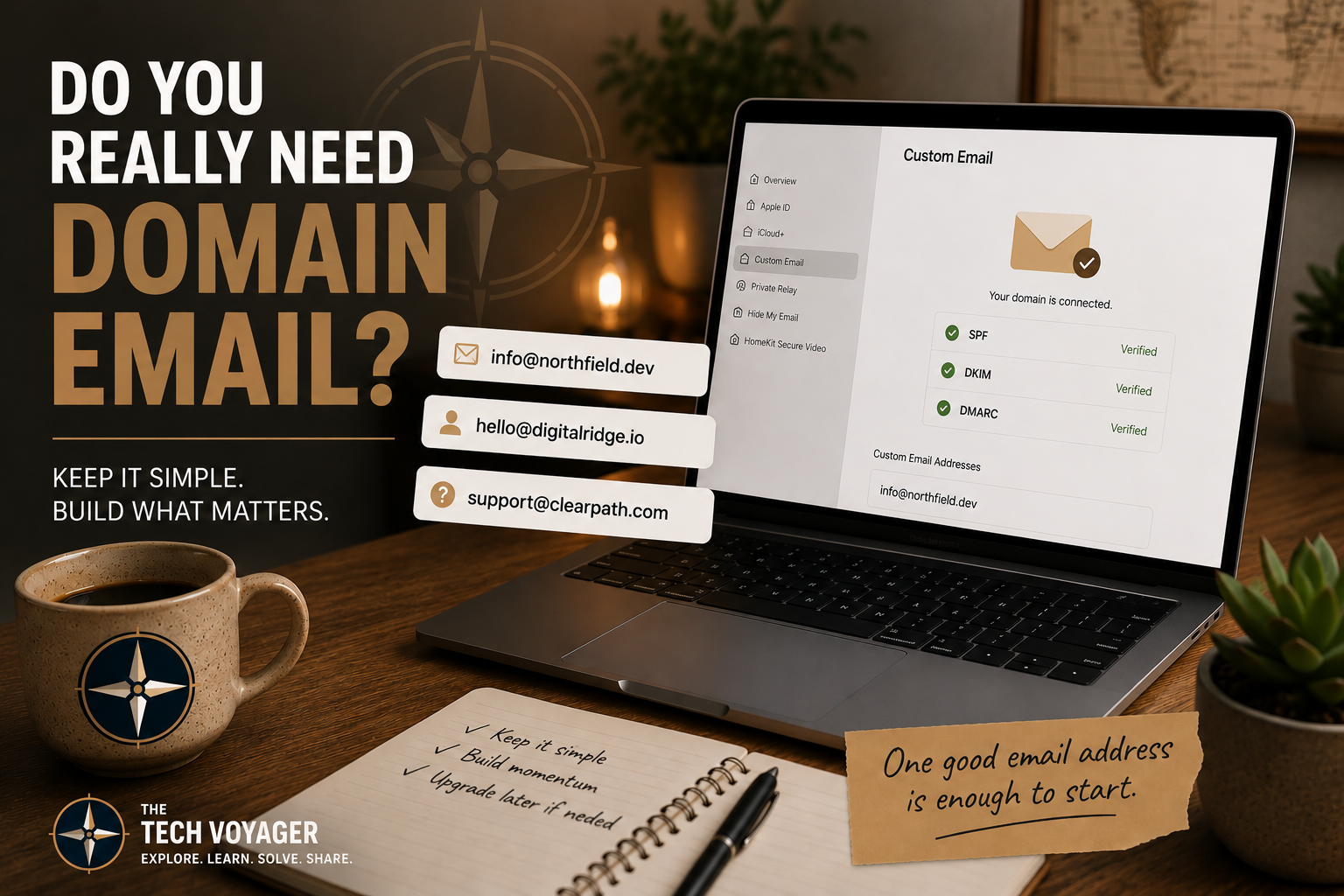
I also have iCloud+, and even the inexpensive iCloud+ plan includes custom email domain support. That means I can connect a domain and use a custom address without adding another paid email service just for a small website.
That made the decision less about features and more about complexity.
Proton Mail vs iCloud+ vs Forwarding
| Option | Best For | Tradeoff |
|---|---|---|
| Proton Mail | Privacy, control, long-term account separation | More cost and a little more setup friction |
| iCloud+ | Simple domain email inside the Apple ecosystem | Not as privacy-focused as Proton |
| Email Forwarding | A lightweight contact address with almost no overhead | Replying from the custom address can be less clean |
The Setup That Makes the Most Sense
For a small website, I think the cleanest answer is simple:
Something like hello@yourdomain.com.
That one address can handle:
- Contact forms
- Website footer contact info
- Basic account registrations
- General inbound messages
That is enough for most personal websites.
Why I Would Avoid Overbuilding It
It is easy to create infrastructure before there is a real need for it.
I have done that plenty of times.
You start with a simple website, then suddenly you are managing multiple email addresses, aliases, filters, DNS records, spam rules, recovery accounts, and notification settings.
That might make sense for a business with real inbound volume.
It does not always make sense for a personal website.
Basic Setup Checklist
If I were setting this up from scratch, I would keep it boring and simple:
- Pick one public email address
- Connect the domain to iCloud+, Proton, or a forwarder
- Add the required DNS records
- Set up SPF, DKIM, and DMARC if the provider supports it
- Send a few test messages
- Put the address on the website only where it actually belongs
Where Proton Still Wins
If the email address becomes important later, Proton is still the option I would trust more.
That matters if the address becomes tied to:
- Customer communication
- Purchases or payments
- Administrative logins
- Recovery accounts
- Long-term identity for the domain
For that kind of usage, privacy and control start to matter more than convenience.
Where iCloud+ Makes Sense
iCloud+ makes sense when the goal is simplicity.
If you are already paying for it, and you only need one or two basic custom addresses, it can be a very practical choice.
It keeps everything inside the Apple ecosystem and avoids adding another service just to solve a small problem.
My Takeaway
The more I thought about it, the more obvious the answer became.
I do not need a full email system just because I own a domain.
I need one reliable way for someone to contact the site.
That is a very different requirement.
Final Thought
Custom domain email is useful, but it is also easy to overthink.
For a personal website, the best setup is usually the one you can maintain without thinking about it every week.
Start with one address. Keep it simple. Upgrade later only if the site actually earns the extra complexity.