
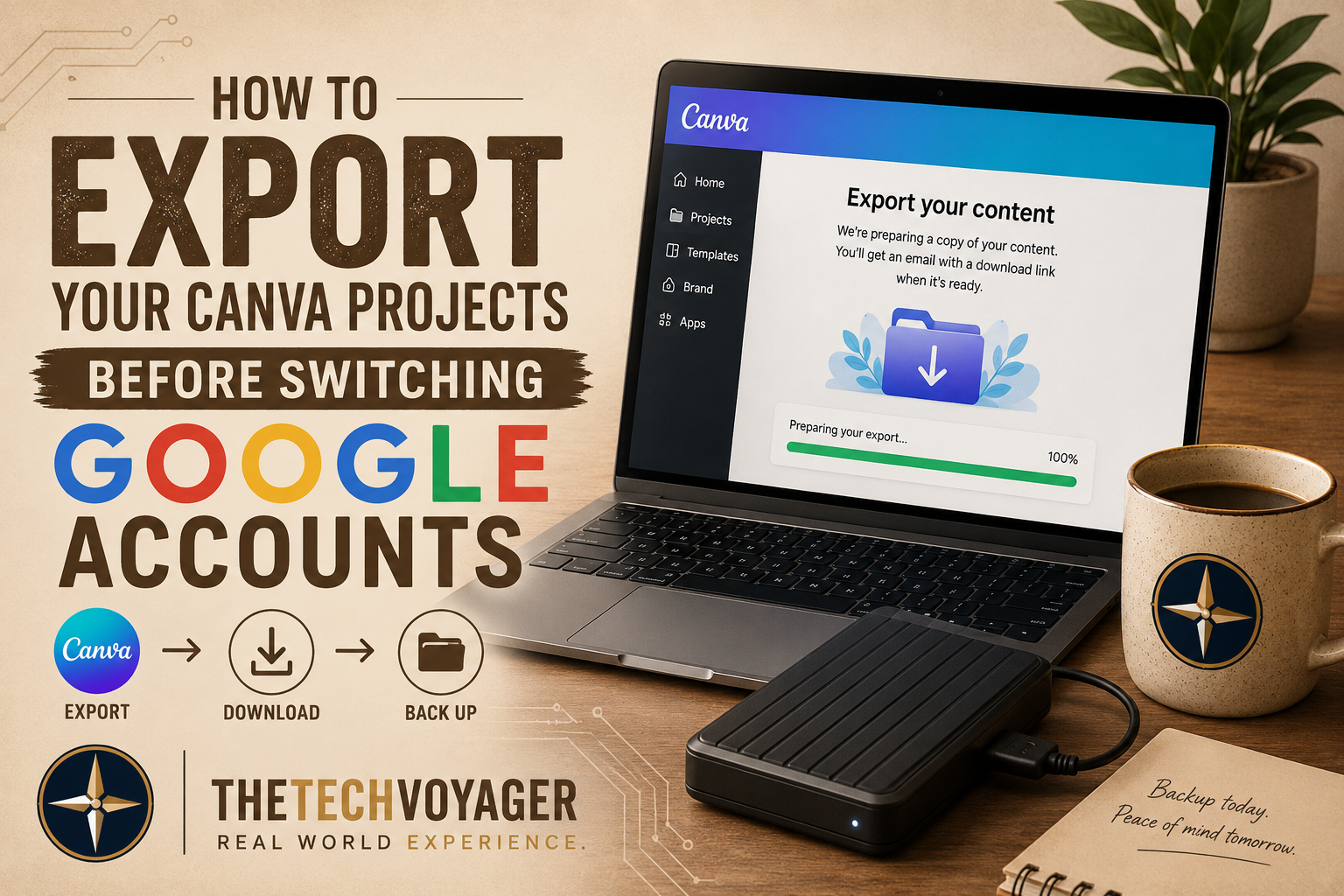
BLUF: If your Canva account is tied to a Google login, export your projects before changing or deleting that Google account. Canva’s export system worked far better than older reports suggested, and creating offline backups removes the risk of losing years of content later.
Before making major Google account changes, read: Why You Should Never Delete Your Google Account Before Migrating Everything.
One of the biggest lessons learned during a Google account migration is realizing how many creative platforms are tied directly to “Sign in with Google.”
For many creators, Canva becomes part of the daily workflow for thumbnails, branding, graphics, and social media content. Losing access to that account can quickly become a serious problem.
That’s why exporting projects before making major account changes matters more than most people realize.
The Good News: Canva Export Actually Worked
There’s a lot of outdated information online suggesting Canva support never responds or that full exports are unreliable.
That wasn’t the experience here.
After requesting the export, Canva delivered the download link by email in less than 24 hours. The process was straightforward, and the exported data was enough to preserve the important content tied to the account.
Even if the account doesn’t contain years of assets, having a local archive dramatically reduces long-term risk.
Why This Matters During a Google Account Migration
When Canva is connected through Google authentication, deleting the Google account first can create access problems later.
That’s especially risky if Canva contains:
- YouTube thumbnails
- Branding assets
- Channel graphics
- Social media templates
- Project source files
Exporting first gives you control over your own data instead of depending entirely on cloud access.
The Bigger Lesson: Cloud Storage Is Not a Backup
One of the most important takeaways from this process is understanding the difference between cloud convenience and actual ownership.
If the account controlling access disappears, the content can effectively disappear with it.
That’s why exported Canva data was moved into cold storage backups afterward.
Having offline copies means the content survives regardless of account changes, password issues, or platform problems in the future.
A Better Long-Term Backup Strategy
- Export important projects regularly
- Store backups offline
- Keep duplicate copies on separate drives
- Avoid relying on a single Google login for critical tools
- Treat creative assets like business infrastructure
This turns a temporary migration problem into a stronger long-term workflow.
Lessons Learned
Modern creator workflows are deeply connected to cloud authentication systems, often more than expected.
The safest approach is simple:
- Export first
- Back up locally
- Verify access
- Then make account changes
That order prevents a lot of unnecessary recovery work later.