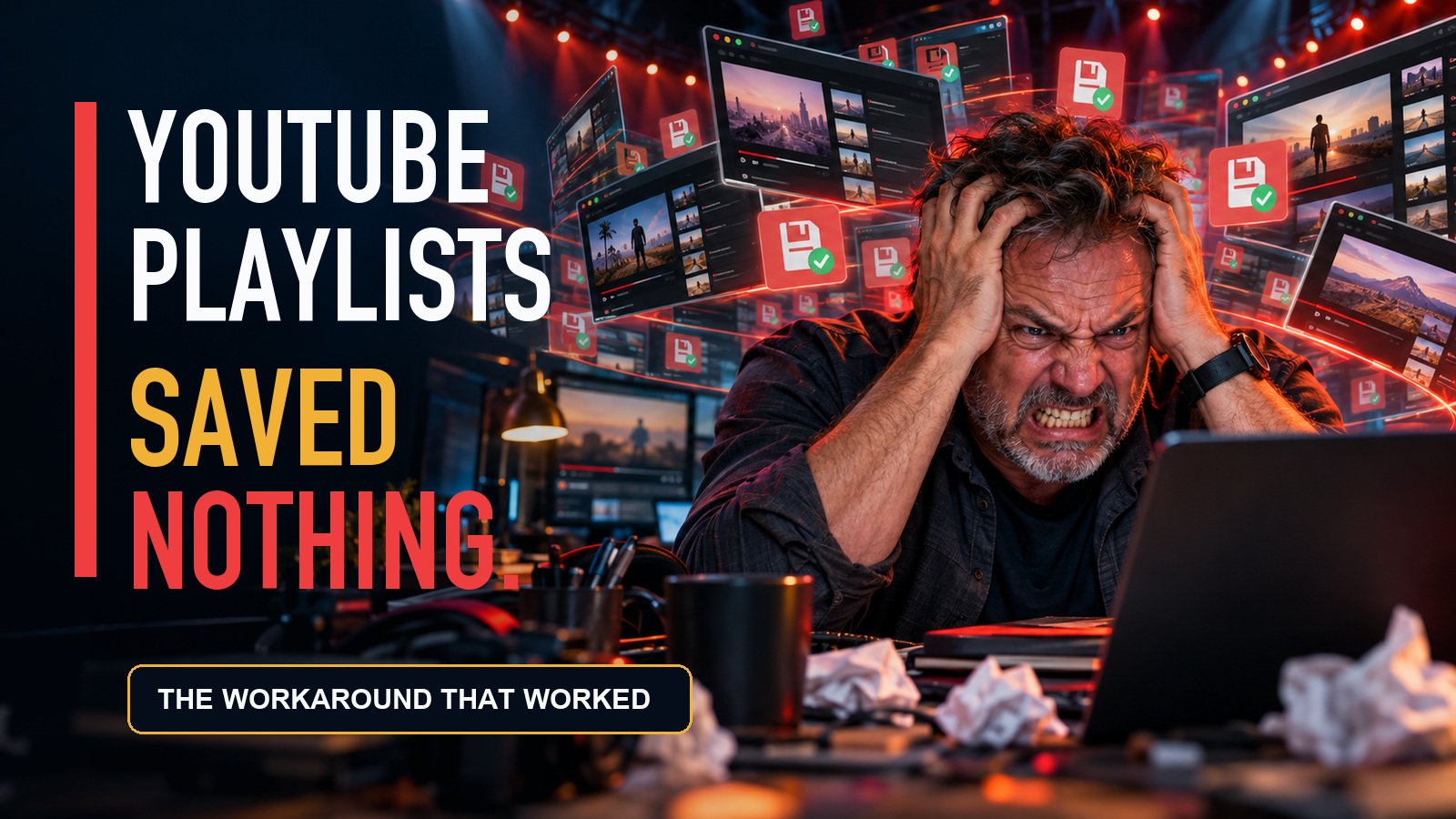
BLUF: YouTube Studio repeatedly told me it had saved 13 missing Shorts to an existing playlist. It had not. After nearly two hours, three browsers, desktop mode on an iPad Pro, cleared website data, and enough troubleshooting to qualify as unpaid quality assurance, the workaround was painfully simple: open every missing Short individually, select the playlist, and save it one video at a time.
Sometimes technology fails in a complicated and interesting way.
This was not one of those times.
I simply wanted to add 13 missing YouTube Shorts to an existing playlist. That should have been a quick bit of housekeeping inside YouTube Studio.
Instead, it turned into nearly two hours of browser switching, repeated selections, fake-looking success, and the growing suspicion that I had somehow wandered into a software circus.
The Playlist Would Not Move Past 13 Videos
The job was straightforward. I had an existing playlist containing 13 videos, and I had another 13 Shorts that belonged in it.
I selected the missing videos in YouTube Studio, chose the playlist, and clicked Save.
YouTube appeared to accept the change.
Except the playlist stayed at 13 videos.
No useful error. No warning that the operation had failed. No explanation. Just an interface behaving as though the work had been completed while quietly saving absolutely nothing.
What I Tried Before Finding the Workaround
At first, I assumed I had missed something obvious. So I started troubleshooting.
- I tried the bulk playlist controls in YouTube Studio again.
- I switched between three different browsers.
- I tried desktop mode on an iPad Pro.
- I cleared website data.
- I reviewed browser settings.
- I repeated the process and checked the playlist count after saving.
Every route led back to the same result: YouTube looked like it had saved the changes, but the playlist remained untouched.
That is the part that made this especially aggravating. A visible error would at least tell me the feature had failed. A silent failure wastes time because it encourages you to keep checking your own work.
The Workaround That Finally Worked
The bulk-selection method never worked for me during this session.
What did work was opening each missing Short individually and assigning the playlist from that video’s own settings.
- Open one of the missing Shorts individually.
- Open its playlist selection.
- Select the correct playlist.
- Save the change.
- Confirm that the playlist count actually changed.
- Repeat the process for every other missing video.
One. Video. At. A. Time.
Was it elegant? Absolutely not.
Did it finally work? Yes.
What This Workaround Does—and Does Not—Prove
I want to be precise about the result.
The individual-video method worked for my playlist when the bulk-save method did not. That does not establish why the bulk operation failed.
I do not know whether the cause was a temporary YouTube Studio bug, a mobile-interface problem, an account-specific issue, a browser compatibility problem, or something else entirely. Switching browsers and clearing website data did not fix it, but one troubleshooting session is not enough to diagnose the platform.
This is a workaround, not a root-cause analysis.
Why Silent Failures Are So Infuriating
I understand that software has bugs. YouTube Studio is managing enormous amounts of content, permissions, metadata, processing, and creator activity. Things will break.
But when a platform tells creators their changes have been saved, those changes should actually be saved.
If they cannot be saved, display an error.
Do not send the user away believing the work is complete. That is how a five-minute organizational task becomes a two-hour troubleshooting session spread across three browsers.
Creators already spend enough time producing, editing, captioning, packaging, uploading, and promoting videos. We should not have to manually open 13 individual Shorts because a bulk playlist tool pretended to work.
The Bottom Line
If YouTube Shorts are not being added to a playlist after you select them in bulk, stop repeating the same broken save operation.
Try opening one Short individually, add it to the playlist from its own settings, save it, and verify the playlist count. If that works, you may have found the same ridiculous workaround I did.
It is slow. It is tedious. It should not be necessary.
But after nearly two hours inside this complete circus, it was the method that finally worked.
YouTube, we can do better than this.
Explore • Learn • Solve • Share
THE Tech Voyager