BLUF: On October 19, 2026, I finally upgraded my iPhone to iOS 27.0.1, my iPad to iPadOS 27.0.1, and my Mac Studio to macOS Golden Gate. I was still skeptical. I waited 35 days after Apple’s major release and 21 days after the first maintenance update before making the jump. So far, I have not run into problems, and continuity between the devices has been good. My main advice: be ready for some different-looking icons and a little time getting familiar with the interface again.
Well, I finally did it.
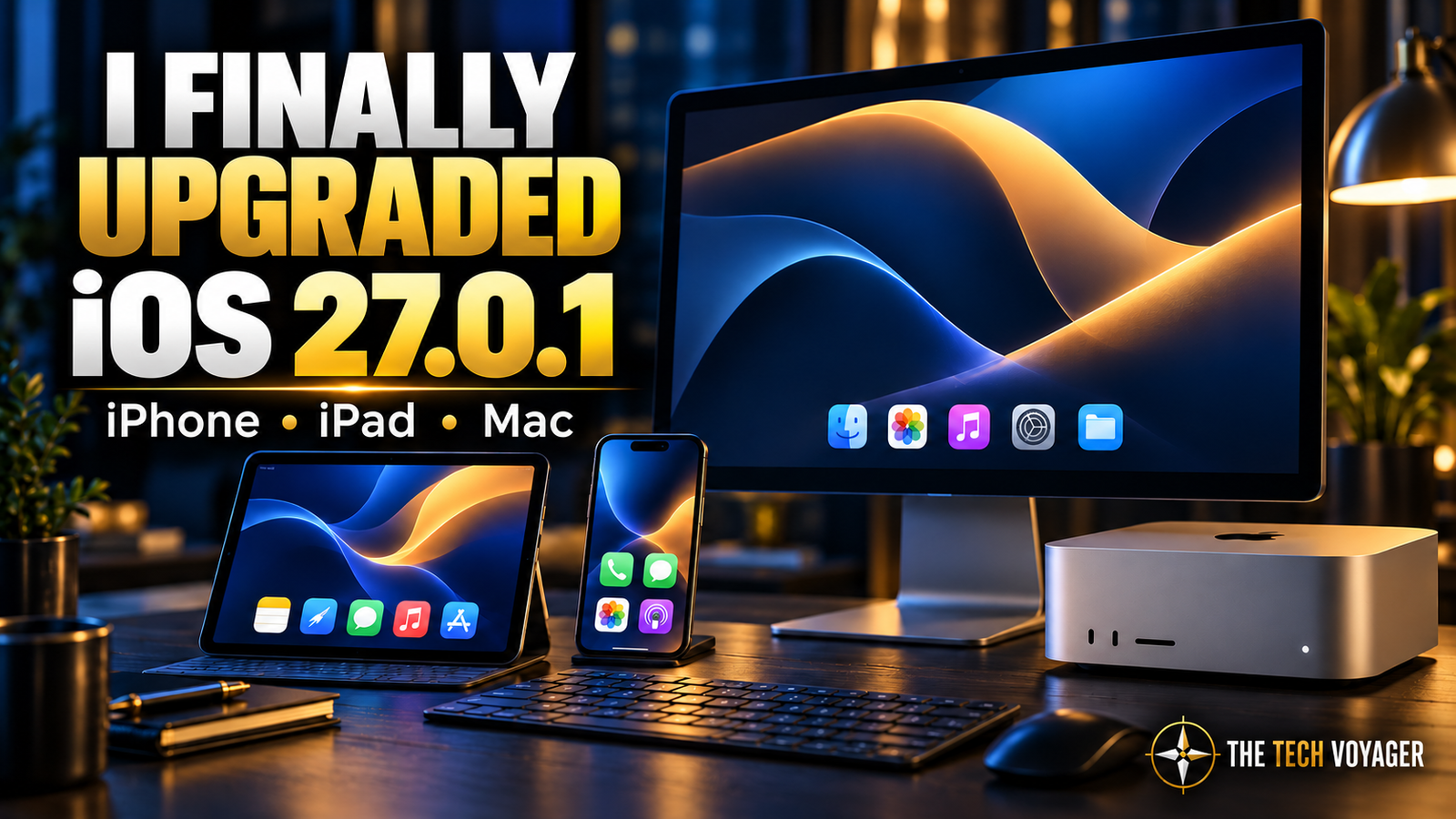
On October 19, 2026, after holding off on Apple’s latest major operating-system upgrades, I installed iOS 27.0.1 on my iPhone and iPadOS 27.0.1 on my iPad. My Mac Studio made the jump to macOS Golden Gate as well.
Apple released iOS 27, iPadOS 27, and macOS Golden Gate 27 on September 14, 2026. The 27.0.1 updates followed on September 28, 2026.
That means I waited 35 days—five weeks—after the major release, including 21 days—three weeks—after the first maintenance update.
I wanted to give the rollout some breathing room. Even then, I installed the upgrades skeptically. Waiting made me more comfortable with the decision; it did not suddenly make me eager to change everything.
So far? Everything is fine.
That might not make for a dramatic review, but when these are devices I depend on, an uneventful upgrade is a good result.
Why I Waited
In my September 29, 2026 article, iOS 26.7.1 Is Here—and This Security Fix Is Worth Installing, I wrote about installing the security update while staying on version 26. That was the day after Apple released both 26.7.1 and 27.0.1.
I still was not ready to move to the new major version. My reasoning was simple: the devices were doing what I needed, and the new features were not giving me a compelling reason to rush. I stayed with that decision for another 20 days after publishing that article, then upgraded on October 19.
Siri and Apple Intelligence get plenty of attention. I am more interested in whether the phone, tablet, and computer keep working together without adding friction to my day.
Waiting gave me time to watch the rollout and let Apple issue its first round of fixes. It was a practical choice, and I was comfortable with it.
What the First Maintenance Update Changes
Apple describes iOS 27.0.1 as a bug-fix update. Its release notes identify fixes for unexpected restarts after failed Face ID authentication on certain iPhone 18 Pro models, a photo color artifact affecting some of those devices, and an issue where opening Notification Center and Control Center together could leave the touchscreen unresponsive.
Those are Apple’s documented fixes, rather than problems I am reporting on my own phone.
Apple’s notes for iPadOS 27.0.1 and macOS Golden Gate 27.0.1 are less specific: both describe bug fixes without providing the same detailed list in their general release summaries.
The larger changes come with the major version itself. Apple highlights improvements to design, performance, search, and connectivity alongside the Siri and Apple Intelligence features. Availability varies by device and feature.
Get Ready to Recognize Your Apps Again
My biggest heads-up for anyone moving from the older version is the appearance.
Some icons look different. Parts of the interface take a little getting used to. When you have spent months reaching for something by its shape, color, or familiar appearance, even a small change can make you stop and look twice.
It is that moment of, “Okay, where did that go?”
On the Mac, Apple specifically describes more detailed app icons, uniform toolbars, edge-to-edge sidebars, and refinements to Liquid Glass. Those design changes belong to the broader Golden Gate upgrade; they are not all new additions in the small maintenance patch.
For me, the adjustment has been a matter of rebuilding familiarity. Give yourself a little time to find your usual controls before deciding the whole thing has been rearranged just to annoy you.
Continuity Has Been Good So Far
The part I care about most is whether my devices still fit into the way I work.
As of October 21, 2026—two days after upgrading—continuity has been good across the iPhone, iPad, and Mac Studio, and I have not run into problems in my use so far.
That is an early personal report. I have not tested every app, accessory, or feature, and I am not claiming that the update has solved every connectivity issue I have mentioned in the past.
But my experience to this point has been uneventful, which is exactly what I wanted.
If You Have Been Waiting Too
If you have also been waiting, my experience so far is encouraging. I would still check that the apps and accessories you depend on support the new operating system and make a current backup before upgrading.
On iPhone and iPad, check Settings → General → Software Update. On the Mac, go to System Settings → General → Software Update.
Install the current compatible version offered for your device, then give yourself a little time to settle in.
I finally made the jump. The devices are working, continuity has been good, and I am getting familiar with the new look.
No fireworks. No disaster story. Just a few unfamiliar icons and getting back to work.
Sources and Further Reading
- Apple: Major Software Updates Available September 14, 2026
- Apple: Security Releases and Release Dates
- THE Tech Voyager: iOS 26.7.1 Is Here—and This Security Fix Is Worth Installing (September 29, 2026)
- Apple: About iOS 27 Updates
- Apple: About iPadOS 27 Updates
- Apple: What’s New in macOS Golden Gate Updates