
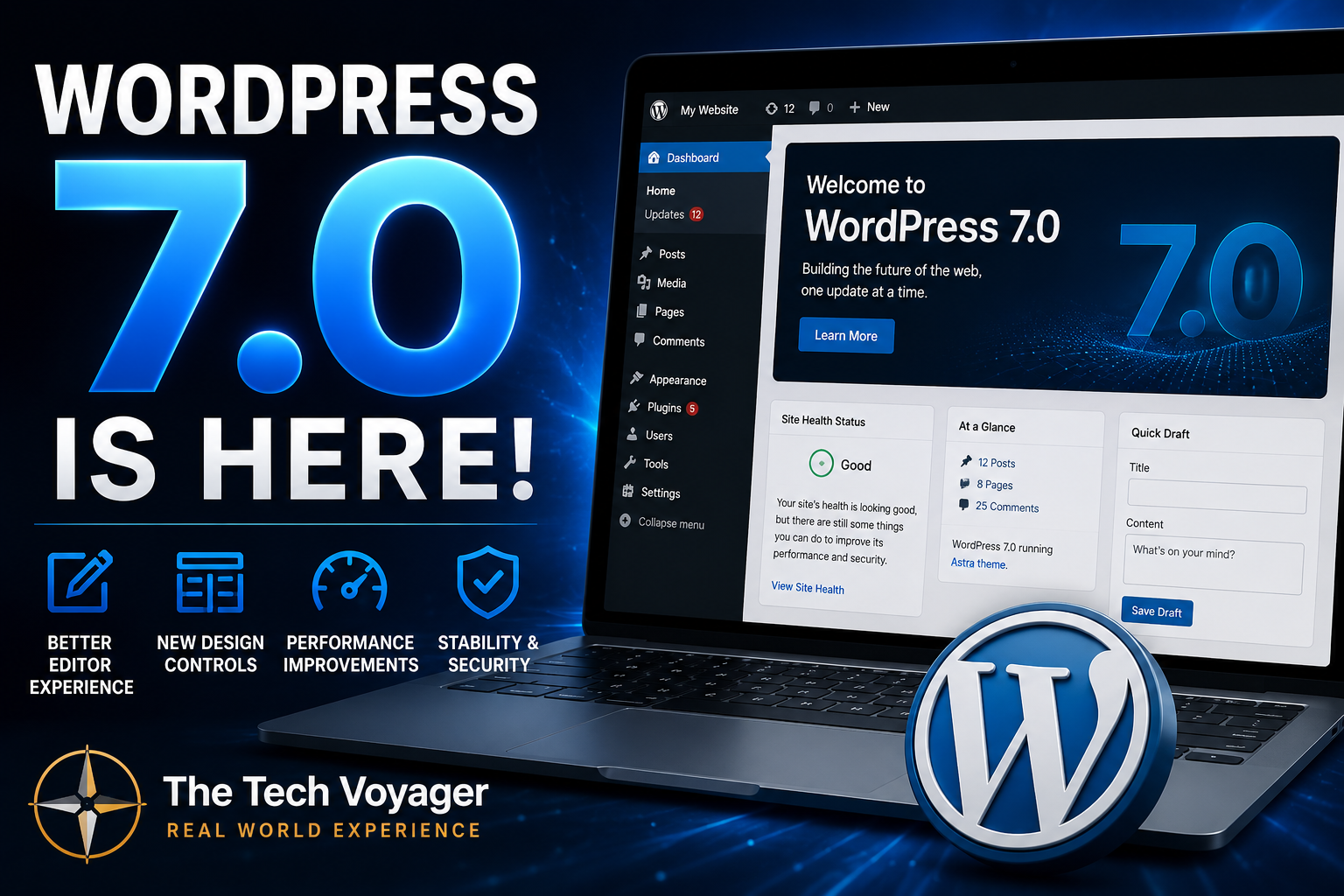
WordPress 7.0 Is Here — And My Update Went Smooth Surprisingly
BLUF: I updated my WordPress site to 7.0 today, and honestly… it went smoother than expected. No broken layouts. No white screen of death. No plugin drama. Just update, wait a few minutes, clear cache, and done.
Whenever a major WordPress version drops, I always get that little moment of hesitation before clicking update. If you run your own site long enough, you know exactly what I mean. There is always that tiny voice in the back of your head saying:
“Well… here we go.”
But this time around, WordPress 7.0 actually behaved itself.
My Update Experience
I updated directly through the WordPress dashboard on my live site hosted through Hostinger. The process was straightforward:
- Backup first
- Run the update
- Wait a couple minutes
- Clear cache
- Check pages and plugins
That was basically it.
My Astra setup stayed intact. WooCommerce was fine. Spectra blocks loaded normally. Login worked. Site speed felt the same. Honestly, this was one of the cleaner major WordPress updates I have done in a while.
What’s New in WordPress 7.0?
WordPress 7.0 focuses heavily on workflow improvements, editor enhancements, performance refinements, and modernization of the admin experience. Some of the larger changes include:
- Improved block editor workflow
- New visual revision tools
- Additional design and layout controls
- Better font management
- Navigation and mobile menu improvements
- More modern admin interface updates
- Performance and backend optimizations
Some collaboration features that people expected were delayed for stability reasons, which honestly I respect. I would rather WordPress delay features than rush out a broken release.
My Advice Before Updating
Even though my update went clean, I still recommend doing a few things before clicking that update button:
- Make a backup first
- Update plugins beforehand
- Check PHP compatibility
- Clear caching plugins after the update
- Test your homepage, forms, and checkout pages
If your site is heavily customized or running older plugins, I would still proceed carefully. Major WordPress updates are usually where abandoned plugins finally reveal themselves.
One Thing I’ve Learned About WordPress
The bigger your site gets, the less exciting updates become. In the beginning, updates feel fun. Later, they feel more like:
“Please don’t break my website.”
That is just real-world WordPress ownership.
But credit where it is due — WordPress 7.0 felt stable for me right out of the gate.
Real-World Bottom Line
If you have been waiting to update to WordPress 7.0, my experience was smooth and painless. Do your backup first, update your plugins, and take your time checking the site afterward, but overall this one feels solid so far.
And honestly? Those are my favorite kinds of updates — the boring ones that just work.