A quick breakdown of Apple’s latest iPhone update, including fixes, issues, and real-world solutions that actually work.
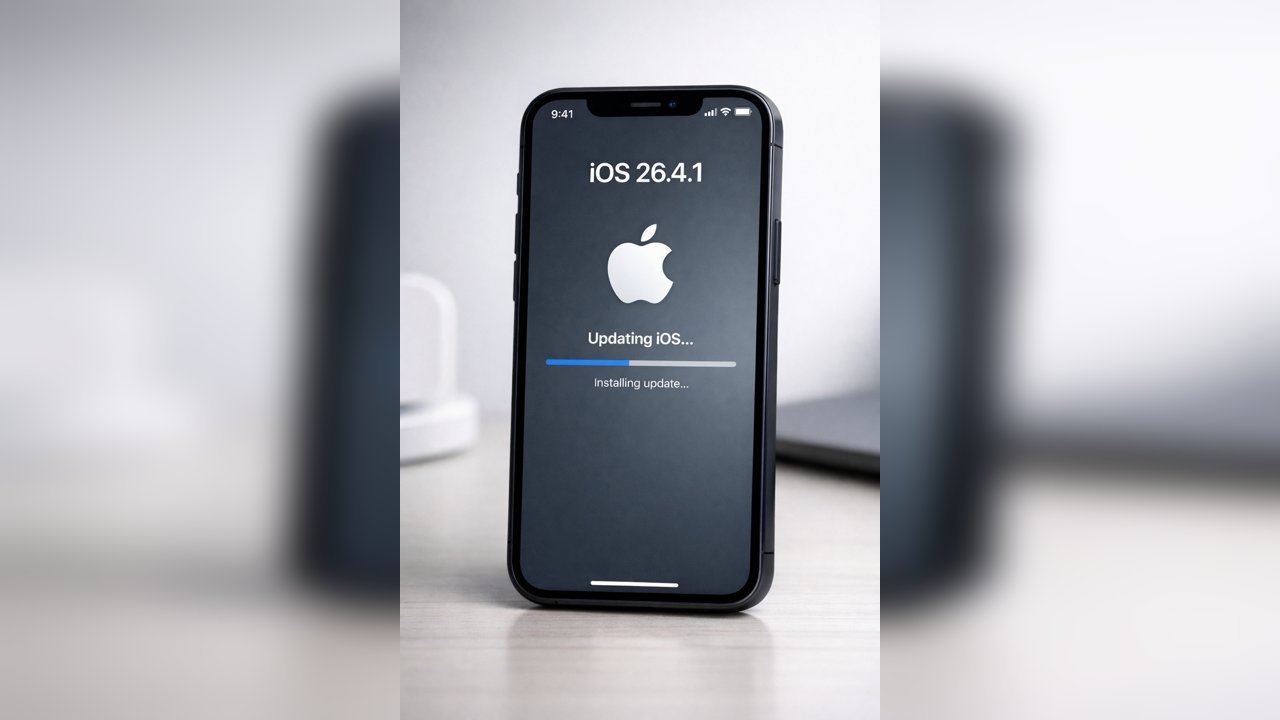
BLUF: iOS 26.4.1 is a minor update focused on security and stability. No new features, but worth installing if you’re already on iOS 26.
iOS 26.4.1 is one of those quiet Apple updates that doesn’t look like much on the surface—but can make a real difference under the hood.
If you’re expecting new features, you won’t find them here. This release is all about fixing issues, tightening security, and smoothing out performance.
🧠 What’s New (and What’s Not)
✔️ What Apple Fixed
- Security vulnerabilities (standard Apple patching)
- Background app crashes
- Minor UI glitches (Control Center and notifications)
- General stability improvements
❌ What Didn’t Change
- No new features
- No UI redesign
- No major app updates
This is a maintenance release, not a feature update.
⚠️ Common Issues After Updating
Even small updates can cause temporary problems. Here’s what users typically notice:
- Battery draining faster than usual
- Wi-Fi disconnecting randomly
- Apps lagging or freezing
- Delayed notifications
- Device running warm
🛠️ Real-World Fixes (IT-Tested)
🔄 Force Restart (Fixes Most Issues)
- Press Volume Up
- Press Volume Down
- Hold Power until Apple logo appears
This clears temporary glitches from the update process.
📶 Reset Network Settings (Wi-Fi Fix)
Settings → General → Transfer or Reset iPhone → Reset → Network Settings
Fixes dropped Wi-Fi, Bluetooth issues, and cellular glitches.
Note: This removes saved Wi-Fi passwords.
🔋 Battery Drain Fix (Hidden Trick)
- Charge phone to 100%
- Leave it plugged in for 30–60 minutes after
This allows background indexing to complete properly.
🧹 Clear App Junk Without Losing Data
Settings → General → iPhone Storage → Select App → Offload App
Reinstalling clears corrupted cache while keeping your data.
⚙️ Optimize Background App Refresh
Settings → General → Background App Refresh
Disable for non-essential apps to improve performance and battery life.
💡 Pro Tip (Most People Miss This)
After an iOS update, your phone is doing background tasks like:
- Photo indexing
- File optimization
- AI processing
This can take 24–72 hours. Don’t judge performance on day one.
🤔 Should You Update?
Update if:
- You want the latest security patches
- You’re already on iOS 26
- You’re experiencing bugs
Wait if:
- Your device is older and stable
- You rely on mission-critical apps
🔚 Final Take
iOS 26.4.1 is a quiet but important update. No flashy features, just under-the-hood improvements that keep your device running smoothly and securely.
Most issues after updating are temporary and resolve within a couple of days.
📌 TL;DR
- No new features
- Important security fixes
- Minor bug patches
- Temporary issues are normal
- Restart fixes most problems