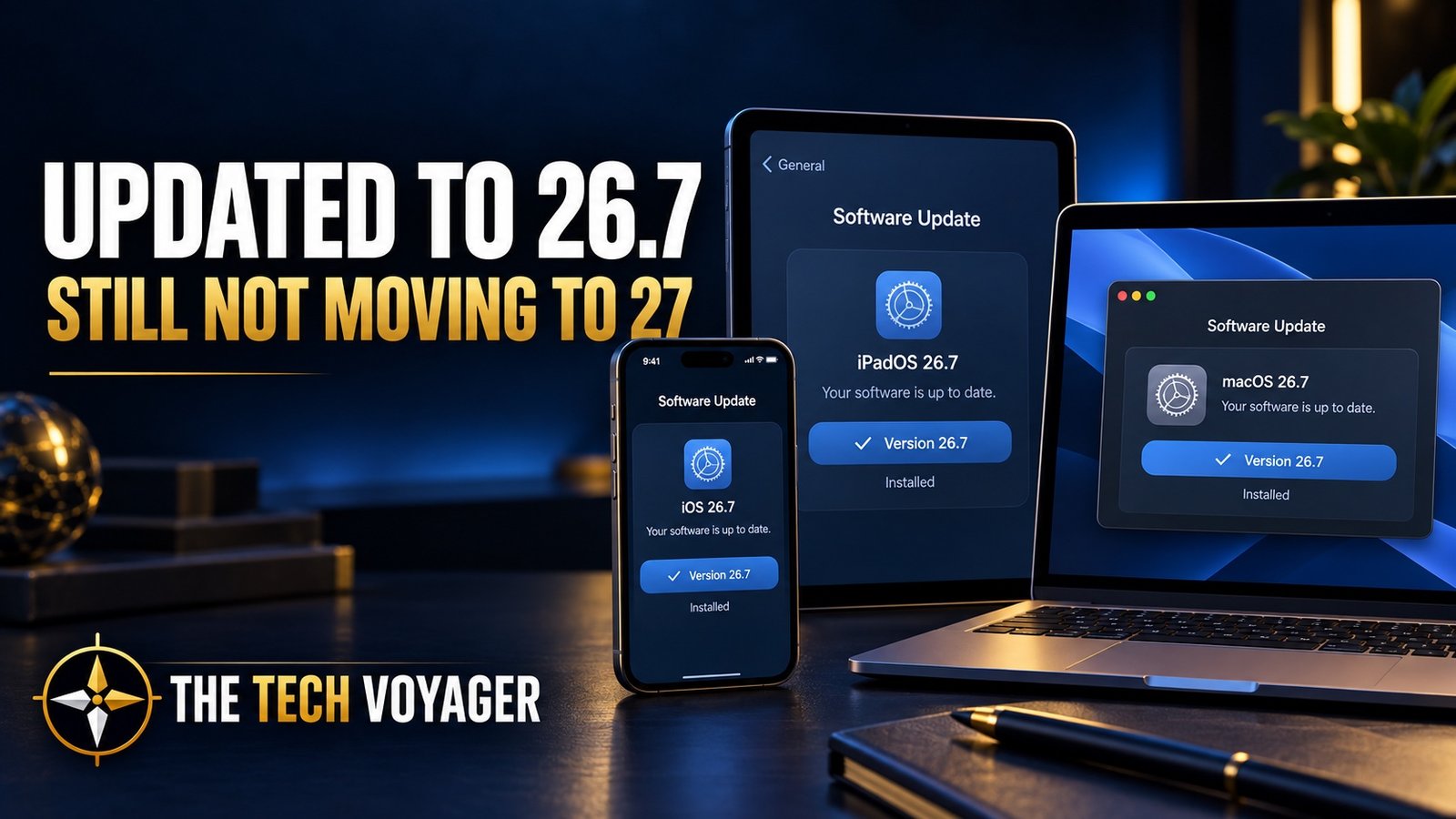
BLUF: I installed iOS 26.7 on my iPhone, iPadOS 26.7 on my iPad, and macOS Tahoe 26.7 on my Mac. These are security-focused updates without a pile of new features, which is exactly what I want right now. Version 27 is available, but I’m still not convinced that Siri, Apple Intelligence, or the other headline additions give me enough reason to leave a stable setup that already does what I need.
Apple released another round of updates on September 14, 2026, but this time there are two different paths sitting on the Software Update screen.
You can move forward to version 27, or you can remain on the version 26 branch and install the latest security maintenance release.
I chose the second option.
My iPhone is now running iOS 26.7, my iPad is running iPadOS 26.7, and my Mac is running macOS Tahoe 26.7.
I’m current. I’m protected. And I’m still not committing to version 27.
What Is Included in the 26.7 Updates?
These are not feature-heavy updates. Apple describes macOS Tahoe 26.7 as providing important security fixes, and the company’s security documentation lists fixes across iOS 26.7 and iPadOS 26.7 for components including the kernel, APFS, Accessibility, the Apple Neural Engine, SceneKit, certificate validation, and image processing.
The practical takeaway is simple: 26.7 is worth installing even if you have no interest in version 27 yet.
Security updates are not as exciting as a redesigned interface or a new application, but they are usually more important than the features Apple puts in the presentation.
Why I Installed 26.7
My reason is not complicated. I want the security fixes without immediately changing the operating-system environment on every device I use.
The 26.x releases have already gone through months of updates, fixes, and real-world use. At this point, the software is mature. My devices work, my applications work, and I understand how everything behaves.
Installing 26.7 lets me remain on that established foundation while still receiving Apple’s current security patches.
That is a pretty good trade from where I’m sitting.
Why I’m Still Not Moving to 27
I’m not avoiding version 27 because I think it is terrible. I simply do not see a compelling reason to install it yet.
A lot of Apple’s attention continues to center on Siri, Apple Intelligence, and features designed around how Apple believes people will interact with their devices in the future.
That may be valuable to some users. It is not a major part of how I use my iPhone, iPad, or Mac.
I do not rely heavily on Siri. Apple Intelligence is not driving my daily workflow. Most of the things I actually need—communication, browsing, photography, media, applications, file access, and device connectivity—already work on version 26.
If the new features do not solve an immediate problem for me, there is no prize for installing them first.
Stability Matters More Than a New Number
Major operating-system releases are complicated. Even after extensive beta testing, the first public version can expose problems with battery life, heat, Bluetooth, CarPlay, Wi-Fi, VPN connections, third-party applications, and accessories.
That does not mean everyone should avoid version 27. Some people enjoy testing new software, and some may genuinely need one of its new capabilities.
But my devices are tools. Reliability matters more to me than having the newest number displayed in Settings.
Version 27 needs to offer something useful enough to justify changing a stable environment. Right now, it has not cleared that bar for me.
The Sensible Middle Ground
Apple offering a 26.7 security update alongside version 27 gives users a sensible middle ground.
I do not have to choose between installing a major upgrade immediately and receiving no protection at all. I can keep the operating system I already trust, install the newest security fixes, and watch how version 27 performs for everyone else.
That is exactly what I plan to do.
I will pay attention to the early reports. I want to know how battery life, cellular handoffs, Wi-Fi, VPN use, Bluetooth, and everyday applications behave after people have lived with version 27 for a while.
If it proves stable—and if Apple eventually adds something that improves how I actually use my devices—I can upgrade later.
Should You Install 26.7?
If you are staying on version 26, I would install it.
Apple released iOS 26.7 and iPadOS 26.7 for supported iPhones and iPads, and macOS Tahoe 26.7 for Macs already running Tahoe. These releases contain current security fixes and do not require you to take the larger jump to version 27.
As always, make sure you have a recent backup before installing any operating-system update.
On an iPhone or iPad, check under:
Settings → General → Software Update
On a Mac, check under:
System Settings → General → Software Update
Pay attention to which update you select. Apple may show the version 26 security update and the version 27 upgrade on the same screen.
Updated, but Not Upgraded
All three of my primary Apple devices are now on 26.7.
That gives me the latest security maintenance while letting me keep the mature operating systems I already know. For now, that is more useful to me than a collection of Siri and Apple Intelligence features I probably would not use.
I am not saying never to version 27.
I am simply saying not yet.