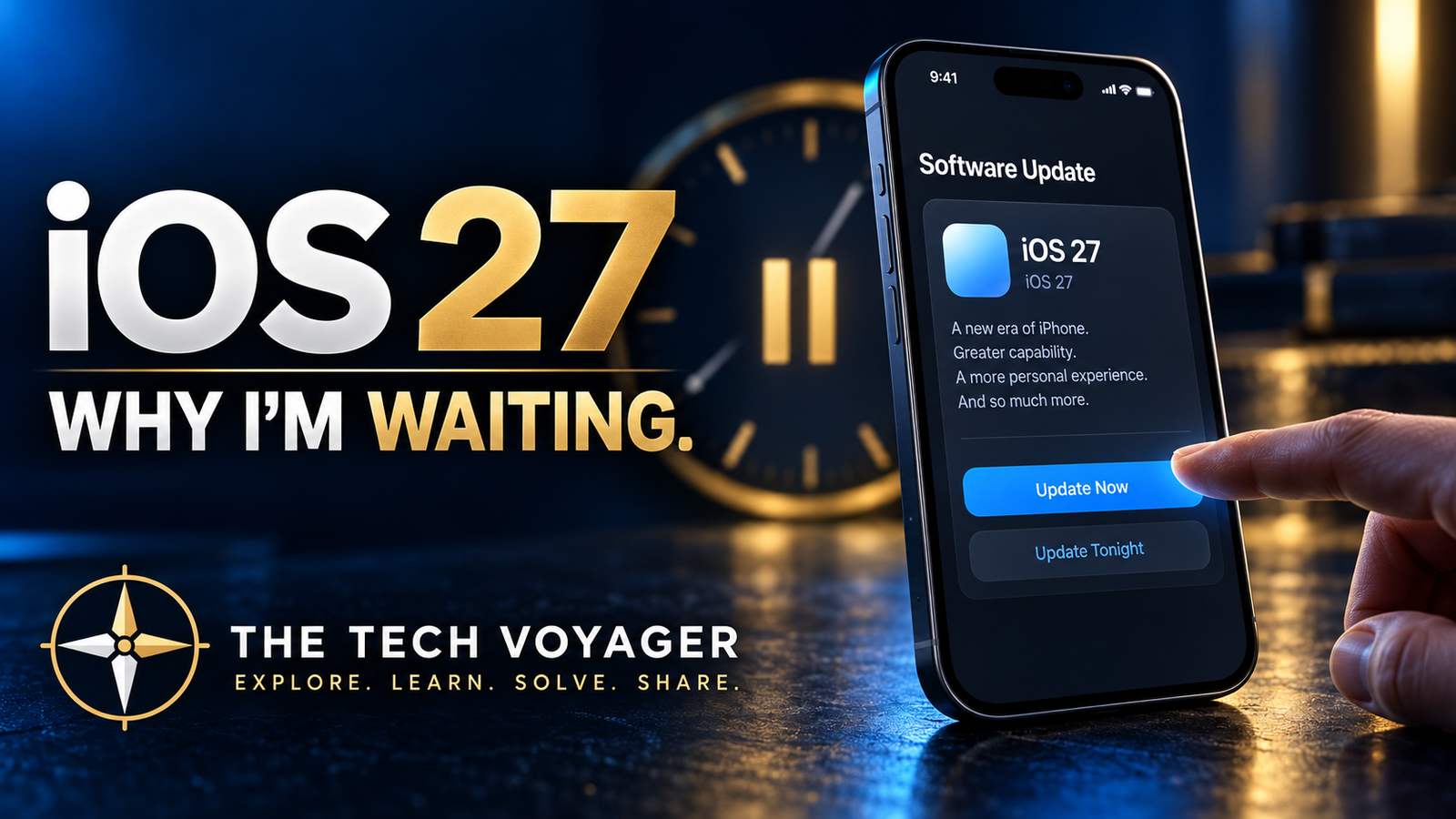
BLUF: iOS 27 includes practical improvements I genuinely want, especially faster performance and smoother switching between Wi-Fi and cellular. I am still not installing version 27.0 on day one. My iPhone works reliably on iOS 26.6.2, the biggest Siri changes are arriving later, and I would rather let the first wave uncover the bugs before I make the jump.
Apple is preparing to release iOS 27 on September 14, and like every major iPhone update, it comes with a long list of new features, performance improvements, and plenty of reasons to hit the Update button.
I’m probably not going to.
At least, not on day one.
That doesn’t mean iOS 27 looks bad. In fact, there are several changes I’m interested in. But after years of installing major operating-system updates, I’ve learned something simple:
Being first isn’t always better.
iOS 27 Has Some Good Improvements
Several changes in iOS 27 caught my attention.
Apple says app launches can be up to 30 percent faster, new photos can load in the Photos library up to 70 percent faster, and AirDrop transfers can be up to 80 percent faster. Apple is also promising smoother switching between Wi-Fi and cellular networks, more relevant Mail search results, design refinements, and additional customization for Liquid Glass.
Those are the kinds of improvements I actually care about—especially the network switching. I have been complaining for months about unreliable transitions between Wi-Fi and cellular data, particularly when I am using a VPN.
I’m much more interested in making my existing phone faster and easier to use than getting another collection of flashy features I may never touch.
There is also a lot of attention around Apple’s next generation of Siri and AI features.
And that brings me to one of the biggest reasons I’m waiting.
The Biggest Siri Changes Aren’t Even Here Yet
Much of the excitement surrounding iOS 27 is tied to Apple’s improved Siri AI capabilities.
The idea is a Siri that understands personal context, can work with information across apps, responds to what is on the screen, and interacts more naturally.
That sounds great.
But Apple says Siri AI will arrive as a beta later this year rather than with the initial iOS 27 release. It will also require supported hardware.
So if one of the biggest selling points is still coming later, I don’t see much reason to rush into version 27.0.
I’d rather let everyone else perform the first round of testing.
Major Updates Almost Always Have Bugs
This is not really an Apple criticism.
Modern operating systems are enormously complicated, and there are millions of combinations of apps, accessories, Bluetooth devices, vehicles, Wi-Fi networks, and user configurations.
Beta testing can catch a lot.
It cannot catch everything.
The first few weeks after a major iOS release are when I watch for reports involving:
- unusual battery drain
- overheating
- Bluetooth problems
- CarPlay glitches
- app compatibility issues
- Wi-Fi problems
- interface bugs
- unexpected crashes
Sometimes the reports are minor.
Sometimes Apple releases a small update shortly afterward to clean things up.
Either way, my phone currently works.
That gives iOS 27 something to prove.
iOS 26.6.2 Is Working Just Fine
Right now, I’m running iOS 26.6.2.
It is a mature version of iOS that has already received multiple rounds of fixes and improvements.
There is something to be said for stability.
If my iPhone is working reliably, my apps work, my battery behaves normally, and my accessories connect properly, upgrading immediately just because a new number appears on the Software Update screen doesn’t accomplish much.
That is especially true when the new version does not contain a must-have feature for me.
My Upgrade Plan
My current plan is simple.
I’m going to stay on iOS 26.6.2 and watch what happens after iOS 27 is released.
I’ll pay attention to reports involving battery life. That is probably the biggest one.
I also want to see how Bluetooth, CarPlay, Wi-Fi, cellular connectivity, VPN use, and everyday apps behave.
If iOS 27 turns out to be stable, great.
If Apple releases an iOS 27.0.1 or 27.1 update shortly afterward, even better.
That may be my entry point.
You Don’t Have to Upgrade Immediately Either
There is always a little pressure when a major software update appears.
New features. New interface. New number. New everything.
But your phone is a tool.
If the tool works, you don’t necessarily have to change it immediately.
There is nothing wrong with letting an operating system mature before installing it.
For some people, experimenting with new software on release day is part of the fun.
I’ve done plenty of that myself.
This time, though, I’m taking the boring approach.
And when it comes to the device I depend on every day, boring can be pretty good.
So Am I Skipping iOS 27?
No.
I’ll probably install it eventually.
I’m just not volunteering to be part of the first wave.
Let everyone else discover the weird bugs, battery problems, and compatibility surprises.
I’ll be over here on iOS 26.6.2 watching.
Then, when iOS 27 settles down and the features I actually care about are ready, I’ll make the jump.
Maybe.