BLUF: iOS 26.5 is not one of those massive iPhone updates that changes everything overnight. But it is still an update I would install, mainly because Apple included a long list of security fixes along with a few smaller feature and system improvements.
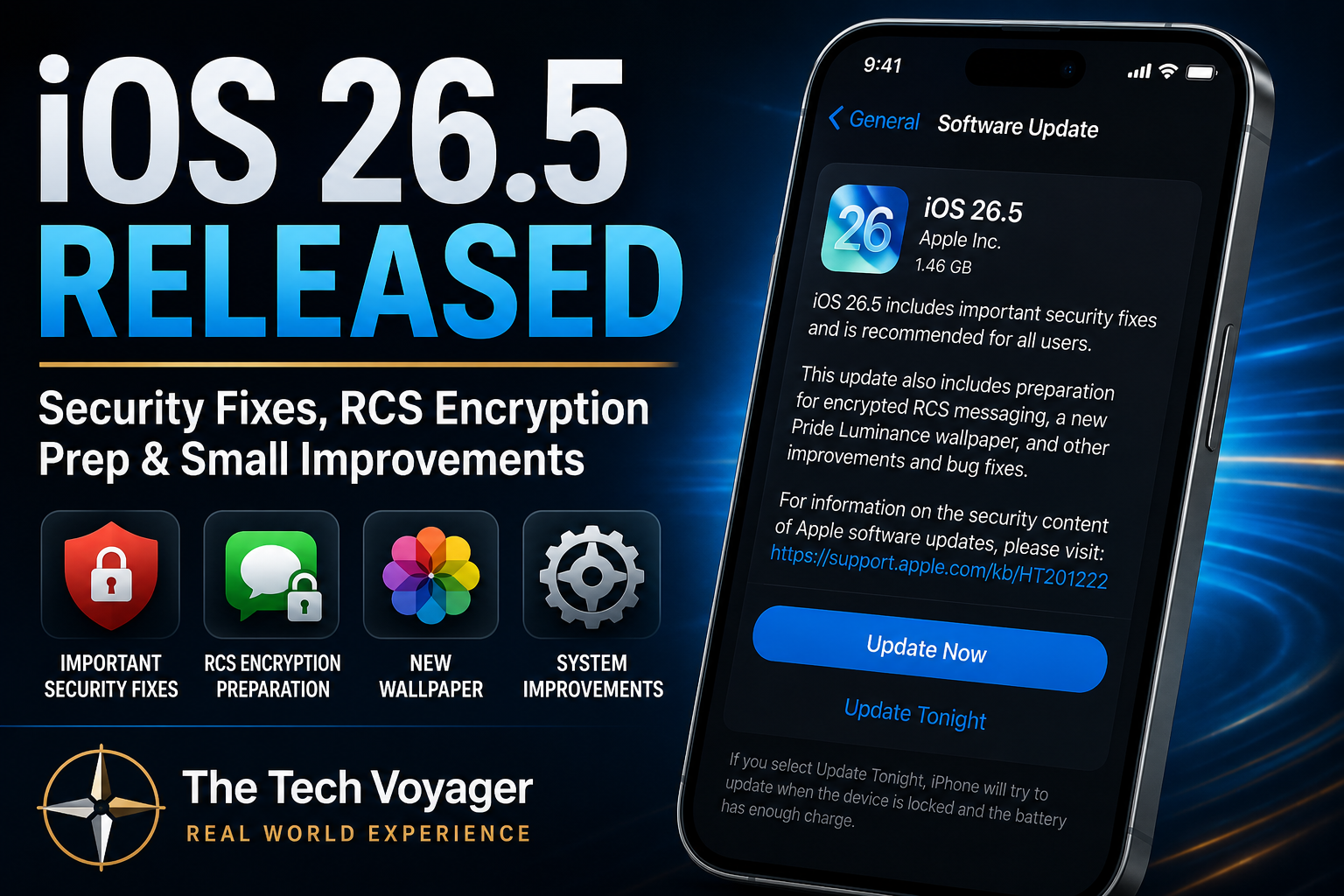
Apple released iOS 26.5 on May 11, 2026. The biggest reason to care is security. Apple’s security notes list fixes across several areas of iOS, including Kernel, WebKit, ImageIO, Shortcuts, Spotlight, Networking, and more.
Why This Update Matters
This is one of those updates where the average person may install it and think, “Nothing changed.” That is normal. A lot of iOS updates are not about flashy new features. They are about closing holes, fixing bugs, and keeping the phone safer in the background.
For me, that is enough. Your iPhone is tied to your email, bank apps, messages, photos, Apple ID, passkeys, two-factor codes, and probably half your digital life. If Apple pushes an update with this many security fixes, I do not like sitting on it for weeks.
What’s New in iOS 26.5?
- Security fixes: Apple addressed multiple vulnerabilities across iOS and iPadOS.
- RCS encryption preparation: iOS 26.5 helps prepare for encrypted RCS messaging support with supported carriers.
- New Luminance wallpaper: Apple added a new animated Pride-themed wallpaper option.
- EU-specific accessory changes: Some third-party wearable and earbud features are expanding in the European Union because of regulatory requirements.
- General fixes and refinements: Smaller system-level improvements are included as usual.
Should You Install iOS 26.5?
Yes, I would install it. This does not look like a risky “brand-new major version” update. It looks more like a maintenance and security release with a few extras included.
My normal rule is simple: if it is a security-heavy iOS update, I usually install it sooner rather than later. I may wait a day or two on a major iOS launch, but point releases like this are usually worth getting done.
Before You Update
- Charge your iPhone or plug it in.
- Make sure you are on Wi-Fi.
- Back up to iCloud if you have not done that recently.
- Go to Settings → General → Software Update.
My Take
iOS 26.5 is not exciting, and that is okay. Not every update needs to be a big visual overhaul. Sometimes the best update is the boring one that patches security issues before they become a bigger problem.
If your iPhone is compatible, I would update when you have a few quiet minutes. It is one of those small maintenance tasks that helps keep the rest of your digital life running cleaner and safer.
Real-World Bottom Line
Install iOS 26.5. Do the backup first, plug the phone in, and let it run. The new features are minor, but the security fixes are the real reason this update matters.