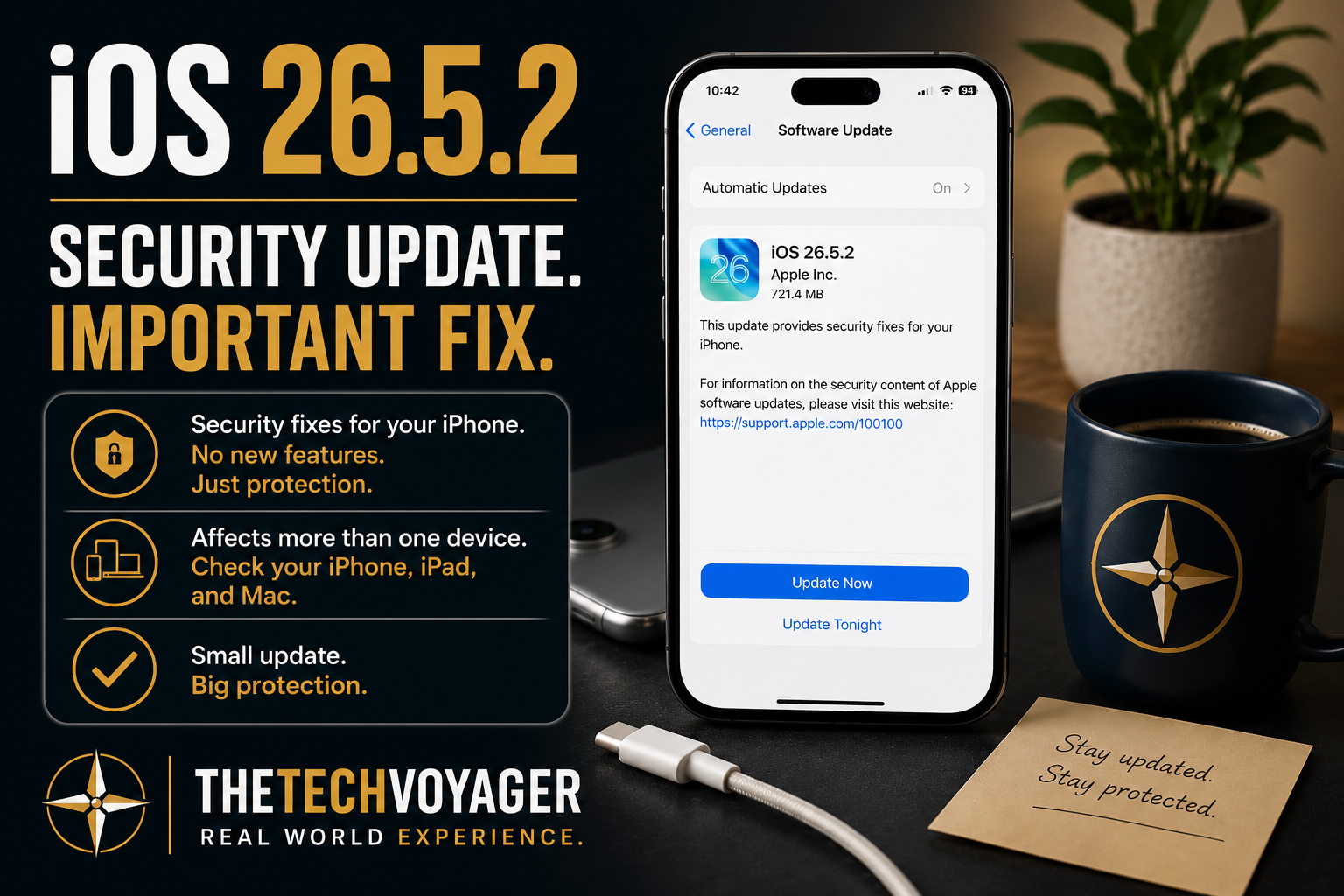
BLUF: Apple has released iOS 26.5.2 as a security-focused update. While there are no advertised new features or interface changes, these types of updates often address vulnerabilities that most users never see but should still install as soon as practical.
Related Reading: iOS 26.5.1: What Changed, What Broke, and What to Do About It
What’s New in iOS 26.5.2?
According to Apple, iOS 26.5.2 is a security update for iPhone. Unlike larger iOS releases, this version does not introduce new user-facing features or redesigns.
Instead, the focus is on improving the security and stability of the operating system by addressing vulnerabilities discovered after the previous release.
These updates often receive less attention because nothing appears different after installation, but they are some of the most important updates Apple publishes.
Official Reference
Apple describes iOS 26.5.2 as a security update for iPhone. If you’d like to review the official release information or security content, visit Apple’s documentation below:
This article expands on Apple’s release notes by sharing my own installation experience, practical recommendations, and real-world observations after installing the update.
What Didn’t Change
Based on Apple’s release information, users should not expect:
- New features
- Visual interface changes
- Major performance improvements
- New Apple Intelligence capabilities
- Changes to everyday workflows
For most users, the phone should feel exactly the same after the update.
Should You Install It?
In my opinion, yes.
Security updates exist for a reason. While Apple rarely publishes detailed information until after users have had time to install the update, these releases frequently patch vulnerabilities that could potentially be exploited.
If your iPhone is your primary communication device—or if you use it for banking, email, passwords, or work—keeping it current is one of the simplest ways to improve your security.
One Tip for Apple Users
If you own multiple Apple devices, don’t stop after updating your iPhone.
In many cases, Apple releases security updates across several operating systems at the same time. When I received the iOS 26.5.2 update notification, I immediately checked my MacBook Pro and iPad as well. Both also had security updates available.
It’s a good habit to check all of your Apple devices whenever one of them receives a security update. Keeping your iPhone, iPad, and Mac on the latest supported versions helps ensure your entire Apple ecosystem remains protected.
Installation Tips
- Connect to Wi-Fi before downloading.
- Charge your iPhone or plug it into power.
- Allow enough free storage space.
- Create a recent backup before installing any software update.
- If you own multiple Apple devices, check for updates on your iPhone, iPad, and Mac during the same session.
- Give your device several minutes after installation to complete background indexing before evaluating battery life or performance.
My Initial Observations
So far, iOS 26.5.2 appears to be exactly what Apple describes: a straightforward security update with no noticeable interface changes or new features. Installation was uneventful, and my iPhone has been operating normally after the update.
Lessons Learned
- Not every update introduces new features.
- Security updates are often the most important updates.
- Check all of your Apple devices when one receives a security update.
- Always keep a recent backup before installing software updates.
- Real-world testing often reveals details beyond the official release notes.
Final Thoughts
iOS 26.5.2 is one of those updates that most users will never notice after it finishes installing—and that’s usually a good thing.
The goal isn’t to change how your iPhone works. It’s to make sure it continues working securely.
As always, if I discover any significant bugs, battery changes, or compatibility issues during long-term use, I’ll update this article with my real-world experience.