
BLUF: Apple has released macOS Tahoe 26.6.1 shortly after the broader 26.6 release. This Mac-only security update fixes a Screen Sharing authentication vulnerability. If you’re running macOS Tahoe, I recommend installing it. At this time, Apple has not released corresponding 26.6.1 updates for iPhone or iPad.
Update: macOS Tahoe 26.6.1 Released
Update (August 2026): Shortly after Apple released iOS 26.6 and the coordinated security updates across its ecosystem, the company followed up with macOS Tahoe 26.6.1.
Unlike the broader 26.6 release, this update appears to be Mac-specific and addresses a security vulnerability related to Screen Sharing. Apple released the update to strengthen authentication handling for Screen Sharing sessions rather than waiting for the next scheduled maintenance release.
If you’re running macOS Tahoe, I recommend installing 26.6.1 even if you recently updated to 26.6. At the time of writing, there are no corresponding 26.6.1 updates for iPhone or iPad, making this a targeted Mac security release rather than another ecosystem-wide update.
For the latest technical details, see Apple’s official security documentation:
Related Reading: iOS 26.5.2 Update: Security Fixes, Installation Notes, and What to Expect
What’s New in iOS 26.6?
Unlike major iOS releases that introduce new features or redesign parts of the interface, iOS 26.6 focuses almost entirely on strengthening the operating system behind the scenes.
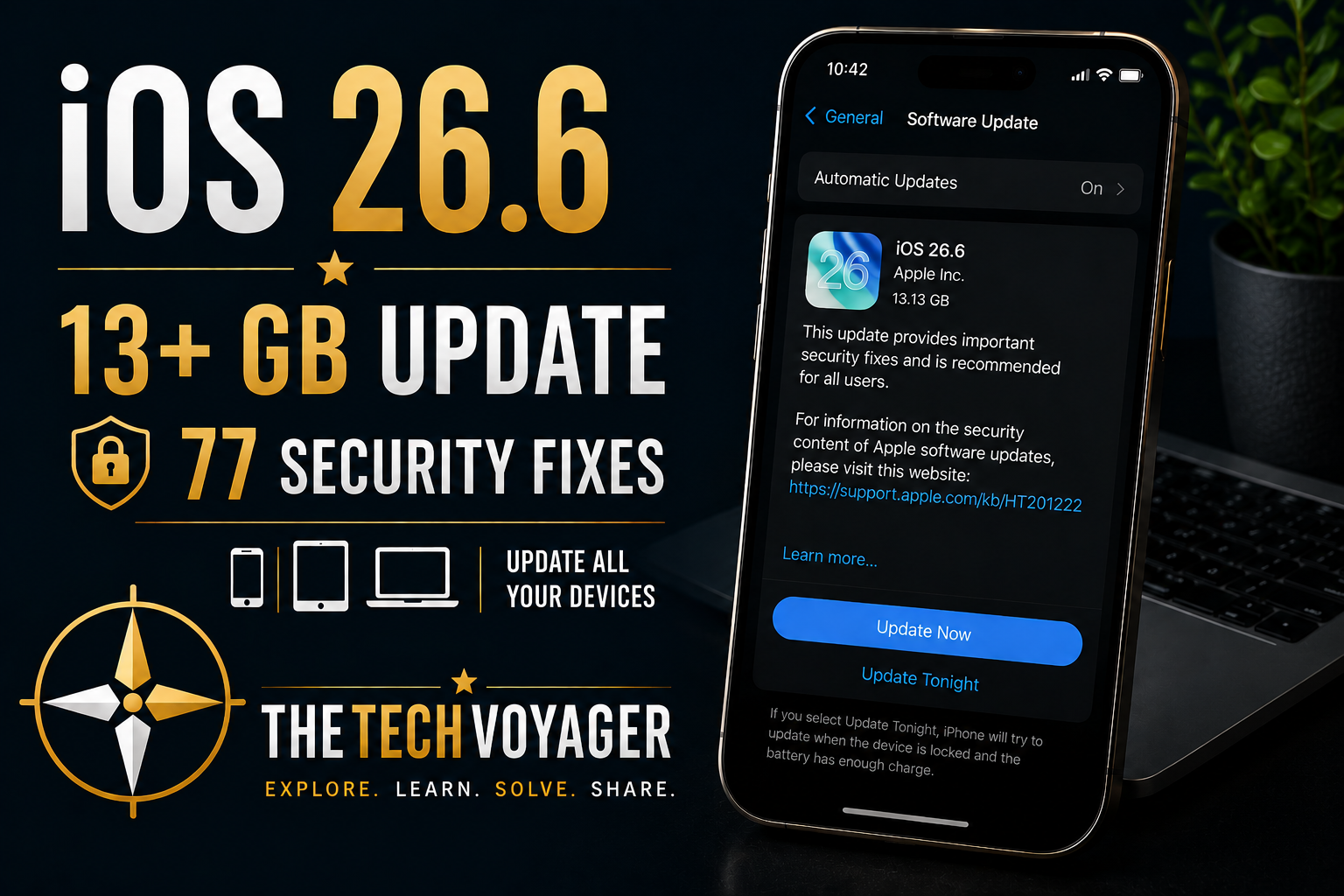
Apple addressed dozens of security vulnerabilities affecting multiple system components, including WebKit, the kernel, accessibility, the App Store, Apple Neural Engine, and many other areas of iOS. The release also appears to prepare devices for the transition to iOS 27 later this year.
Although you probably won’t notice any visual changes after installation, this is one of those updates that improves the foundation rather than adding new capabilities. [oai_citation:0‡Apple Support](https://support.apple.com/en-us/128066?utm_source=chatgpt.com)
Official Reference
Apple’s official security documentation provides the complete list of vulnerabilities addressed in iOS 26.6 and iPadOS 26.6.
This article expands on Apple’s release notes by sharing real-world installation observations and practical recommendations after installing the update.
Why Was the Download So Large?
One thing immediately caught my attention during installation.
The download exceeded 13 GB on my iPhone.
While Apple doesn’t always explain why individual updates vary in size, larger downloads often indicate significant underlying changes, extensive security updates, or replacement of large system components rather than simple patches.
Even though the visible changes are minimal, this update feels much closer to a maintenance release preparing the operating system for the future than a routine bug-fix update.
One Tip for Apple Users
If you own multiple Apple devices, don’t stop after updating your iPhone.
When iOS 26.6 became available, I immediately checked my MacBook Pro running macOS Tahoe and my iPad. Both also had corresponding security updates available.
Apple frequently releases coordinated security updates across iPhone, iPad, Mac, Apple TV, and other supported devices. Updating your entire Apple ecosystem helps ensure the same vulnerabilities aren’t left unpatched elsewhere. [oai_citation:1‡Apple Support](https://support.apple.com/en-us/128069?utm_source=chatgpt.com)
Installation Tips
- Connect to Wi-Fi before downloading.
- Plug your device into power if possible.
- Verify you have a recent backup.
- Update your Mac, iPad, and other Apple devices during the same session.
- Allow several minutes after installation for indexing and background optimization before evaluating battery life or performance.
My Initial Observations
Installation completed successfully, although the unusually large download immediately stood out compared to previous security releases.
So far, performance appears normal, applications launch as expected, and I haven’t encountered any obvious issues during initial use.
As with previous Apple updates, longer-term testing over the coming days will reveal whether any unexpected changes to battery life, performance, or compatibility emerge.
Lessons Learned
- Not every important update introduces new features.
- Security updates often protect against vulnerabilities users never see.
- Large downloads don’t necessarily mean visible interface changes.
- Check all of your Apple devices whenever one receives a security update.
- Keeping your ecosystem current is one of the simplest ways to improve overall security.
Final Thoughts
iOS 26.6 may not be the most exciting update Apple has released, but it may be one of the most important.
With dozens of security fixes and a surprisingly large installation footprint, this update appears focused on strengthening the operating system while laying groundwork for future releases.
If your iPhone prompts you to install iOS 26.6, I recommend making time to update—not just your iPhone, but your other Apple devices as well.
Last updated: August 8, 2026, to include information about macOS Tahoe 26.6.1.